Add Links and Images to a Custom PDF
In this article
Add a clickable link to your website or an image, such as your logo, to a custom PDF. Both go in the template's HTML tab.
Start with an existing template open in the editor under Settings > PDF Templates. If you need to create a template or open one for editing, follow Create and Use Custom PDFs. This example uses a sales order template.
Add a link to an outside page
-
Add the link in HTML where you want it to appear. Replace the address in
hrefwith your page's full URL and Visit YoPrint with the text your reader should see.<p><a href="https://www.yoprint.com/">Visit YoPrint</a></p>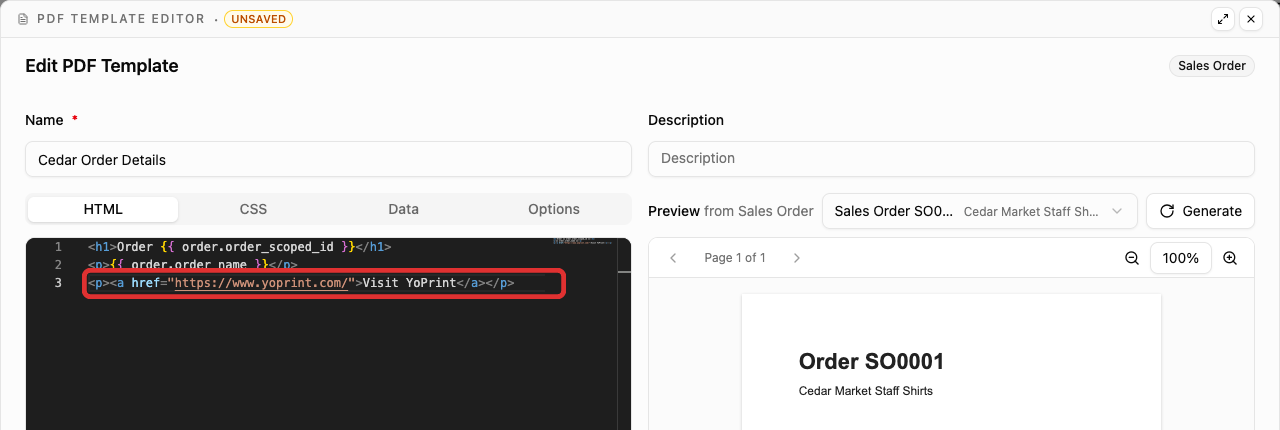
The text between <a> and </a> is the clickable part. The address inside href is its destination.
Testing links in the editor
Click Generate to refresh the preview. It shows your link text, but you cannot click the link there. Download the PDF and open it in a PDF viewer to use the link. Whether the link opens in a new tab depends on the viewer.
Add an image from a URL
Use the HTTPS address that opens the image itself. The example below uses YoPrint's logo.
-
Paste the image code into HTML where you want the image to appear. Replace the
srcaddress with your image URL andaltwith a short description of the image.<img src="https://www.yoprint.com/images/yoprint-logo.png" alt="YoPrint" style="width: 180px; height: auto;" />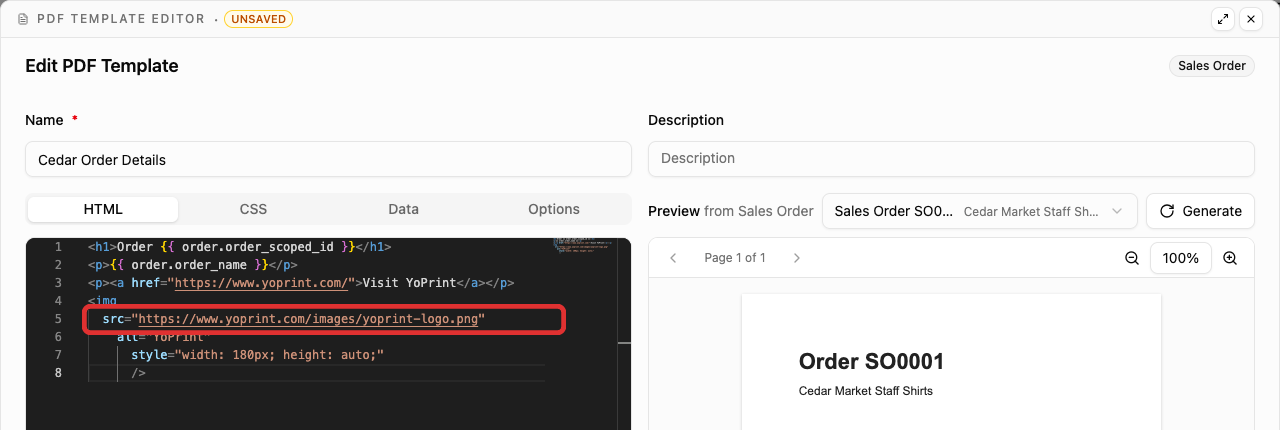
Change 180px to adjust the image's width. Keep height: auto to preserve its proportions. Click Generate to refresh the preview pane.
Check the finished PDF
In Options, make sure Available at the Sales Order Level is selected so the template appears in the download menu. Save the template. Open an order in Sales > Sales Orders to check the document. Click Download on the order and select your template under CUSTOM PDF. For complete save and download instructions, follow Preview and save the template and Use the PDF on a sales order.
The downloaded PDF shows the link text and image in the layout. In this example, Visit YoPrint appears above the logo.

Clicking Visit YoPrint in the PDF opens the YoPrint website.

To change the destination, link text or image, edit the same HTML in your template, then preview and save again.