Filter and Export Invoice Reports by Date Range
In this article
Export an invoice report as a CSV or Excel spreadsheet for the period you need. The date range filters invoices by their sales order issue date, so invoices for orders issued outside the chosen period will not appear.
Filter the invoice report
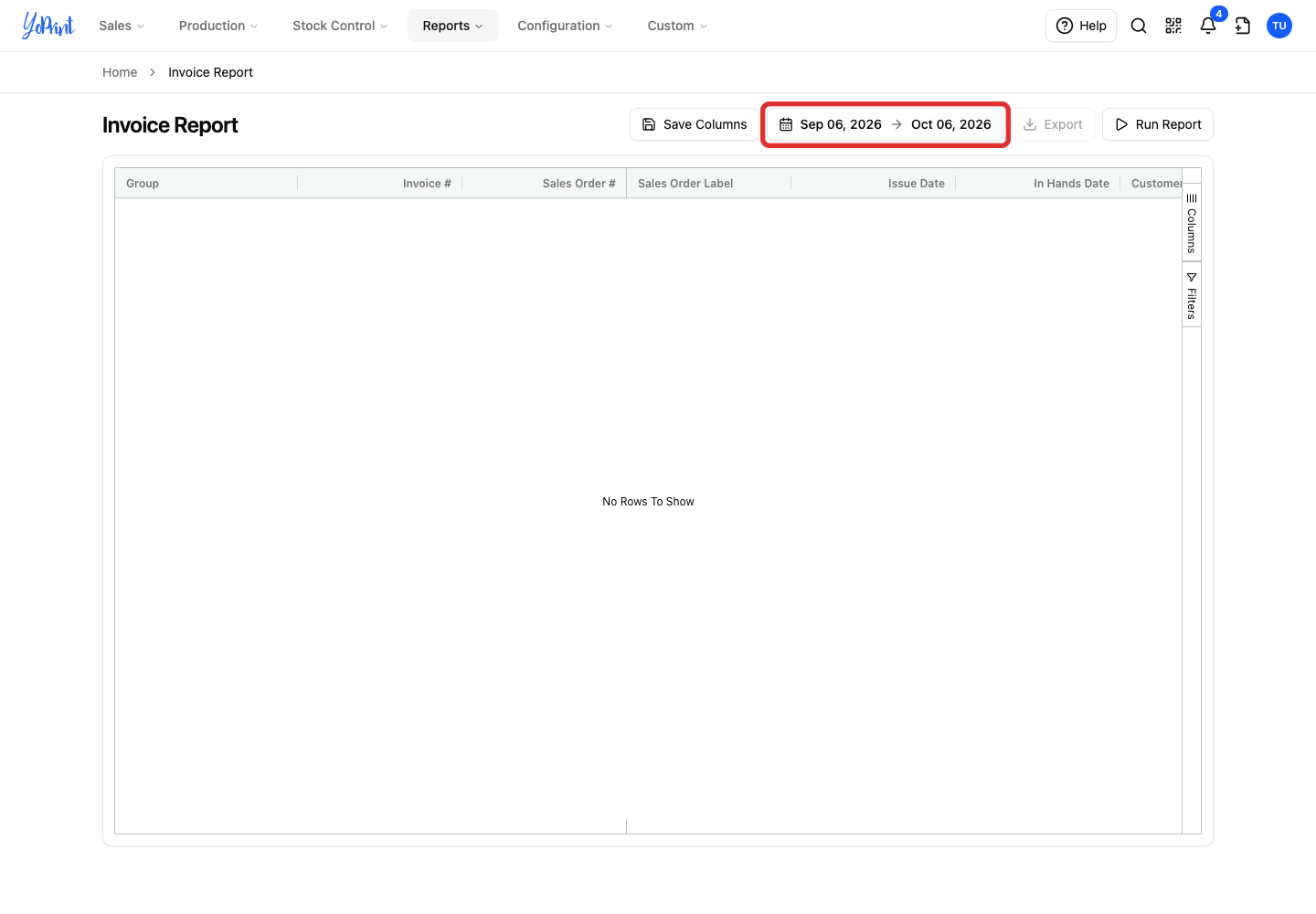
When you open the page, the table is empty. A date range is preselected, and clicking Run Report (or Apply) runs the report.
-
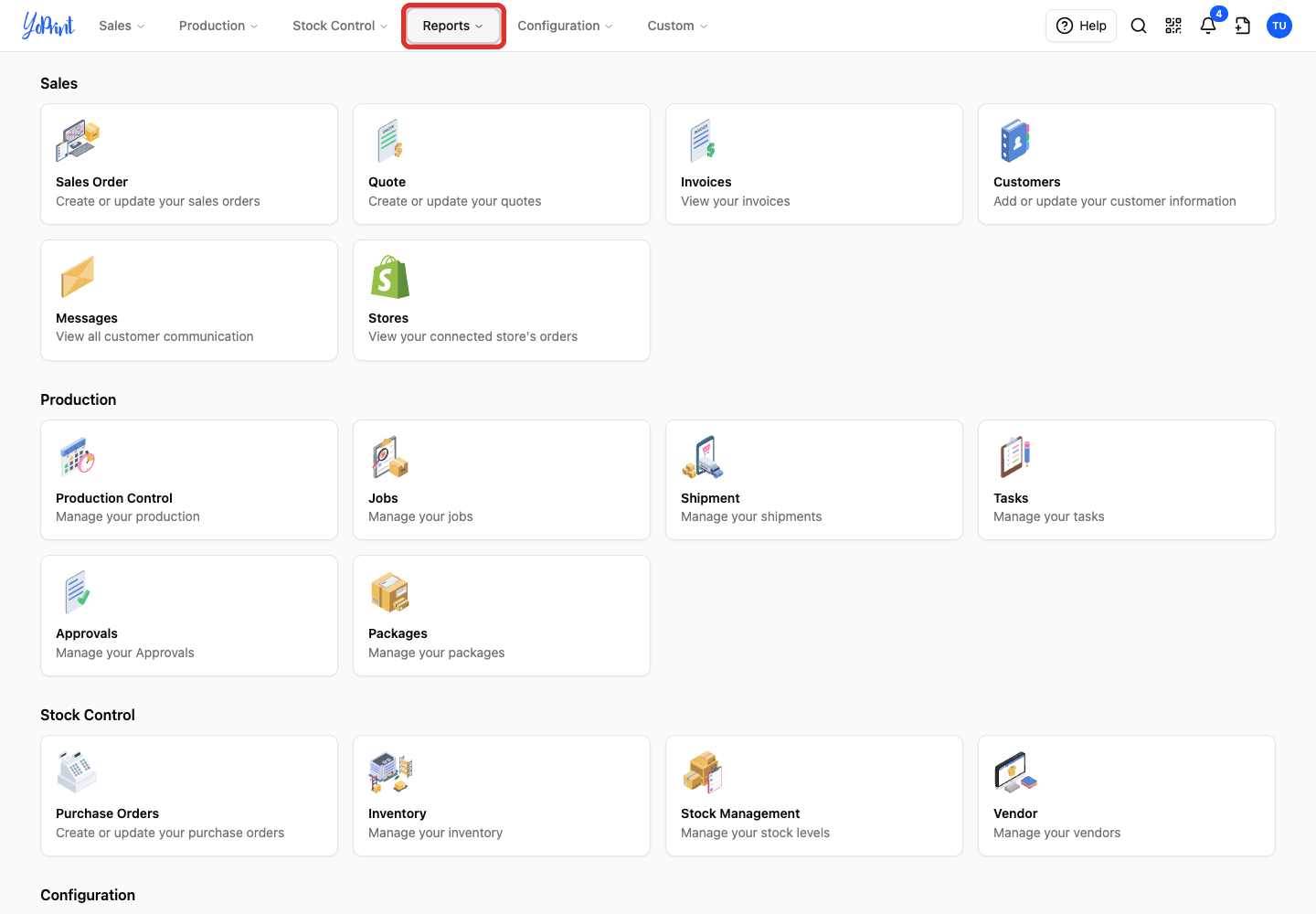
Open Reports in the top menu.
-
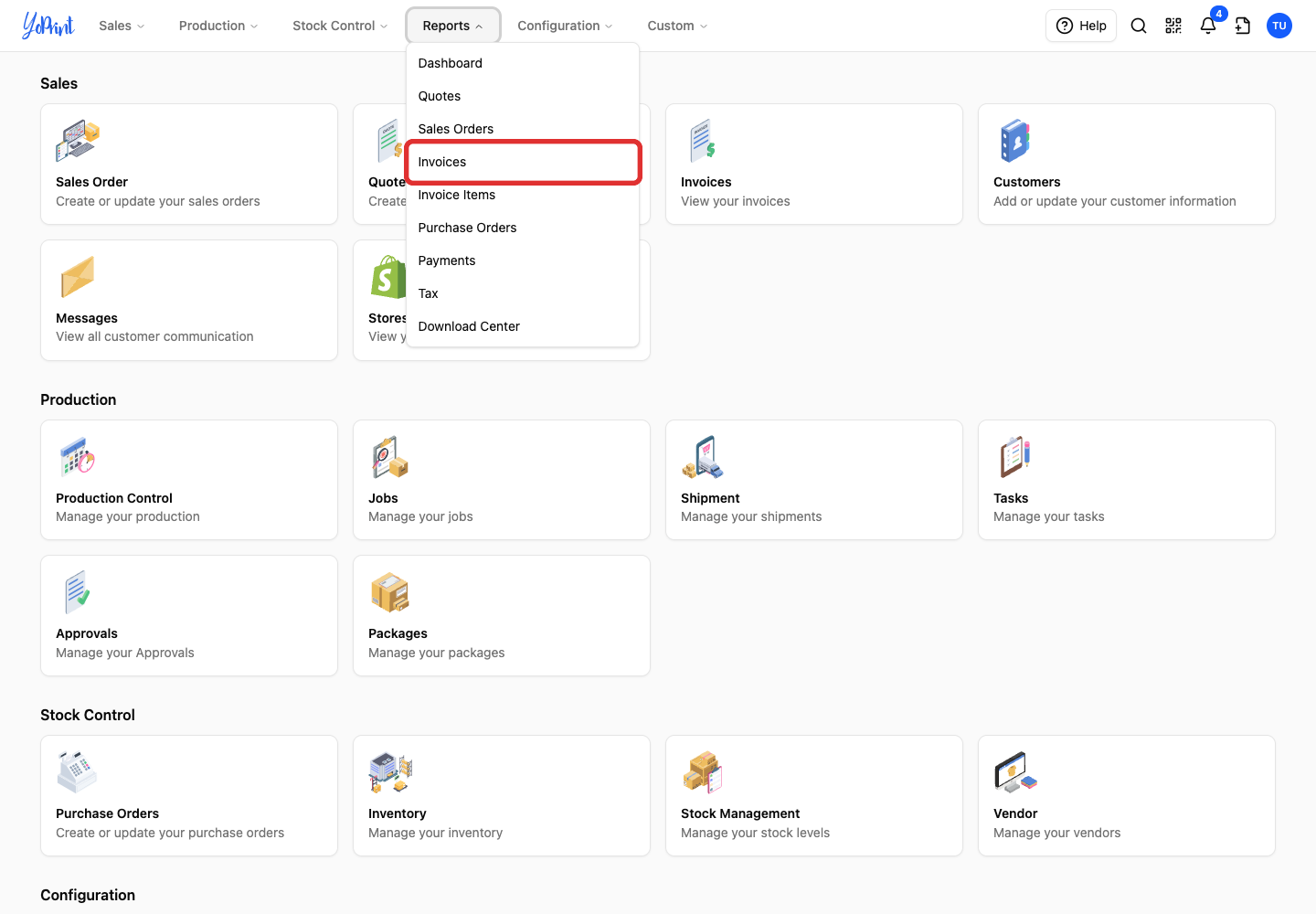
Choose Invoices.
-
Click the date range above the report.
-
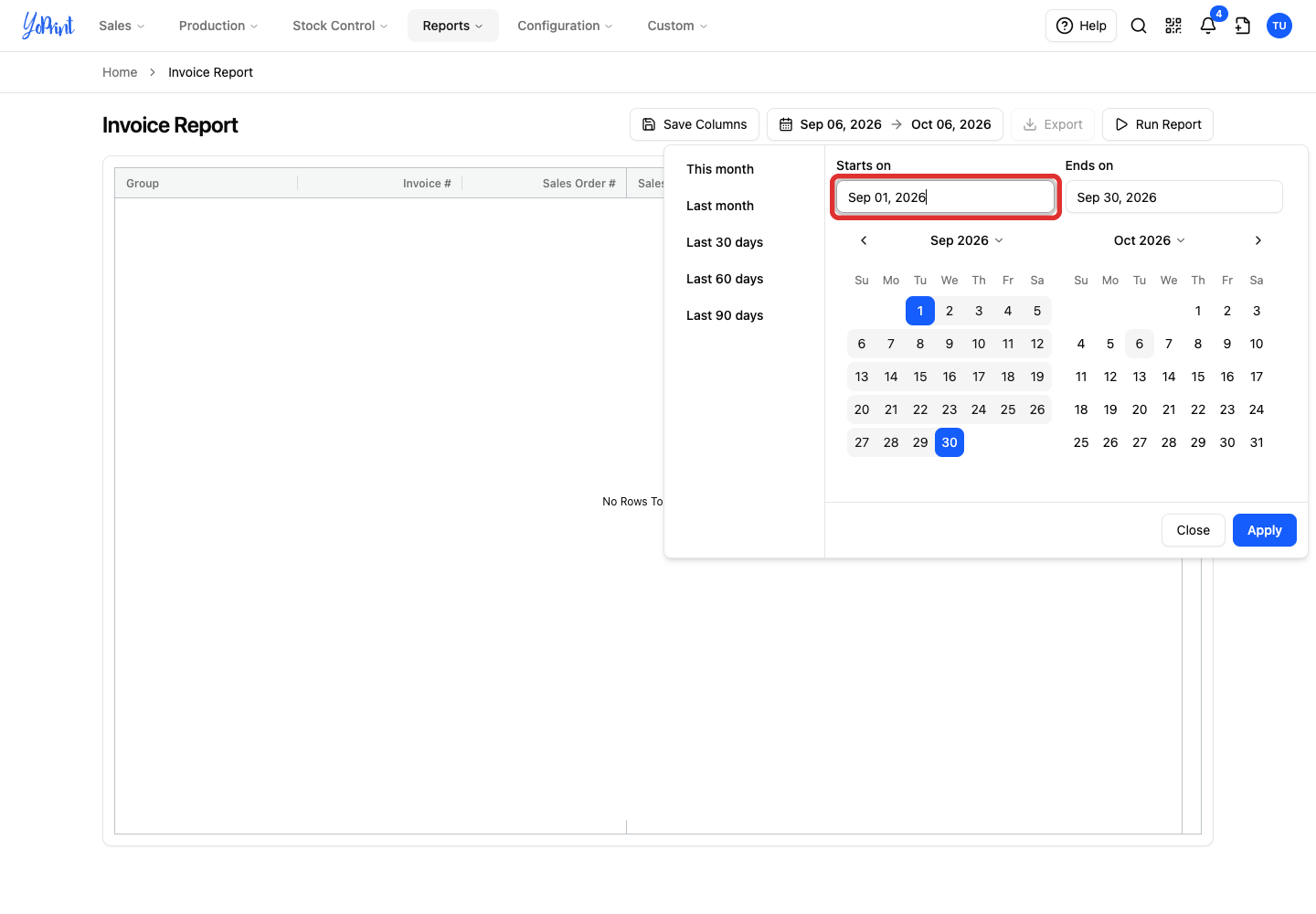
Enter the first date in Starts on.
-
Enter the last date in Ends on.
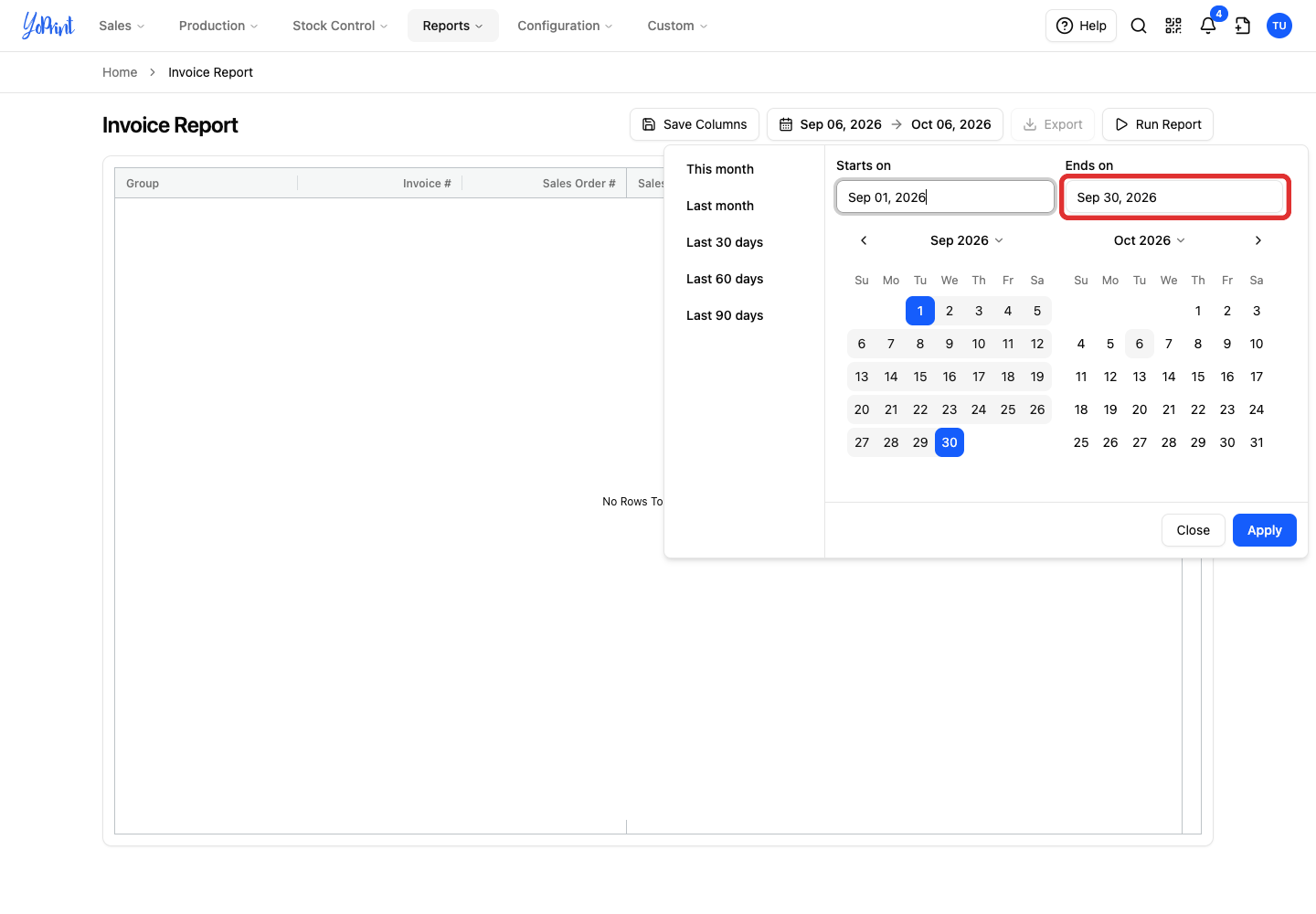
You can also select dates directly on the calendars, or choose a preset range such as this month, last month, or the last 30, 60, or 90 days.
-
Click Apply to load the report.
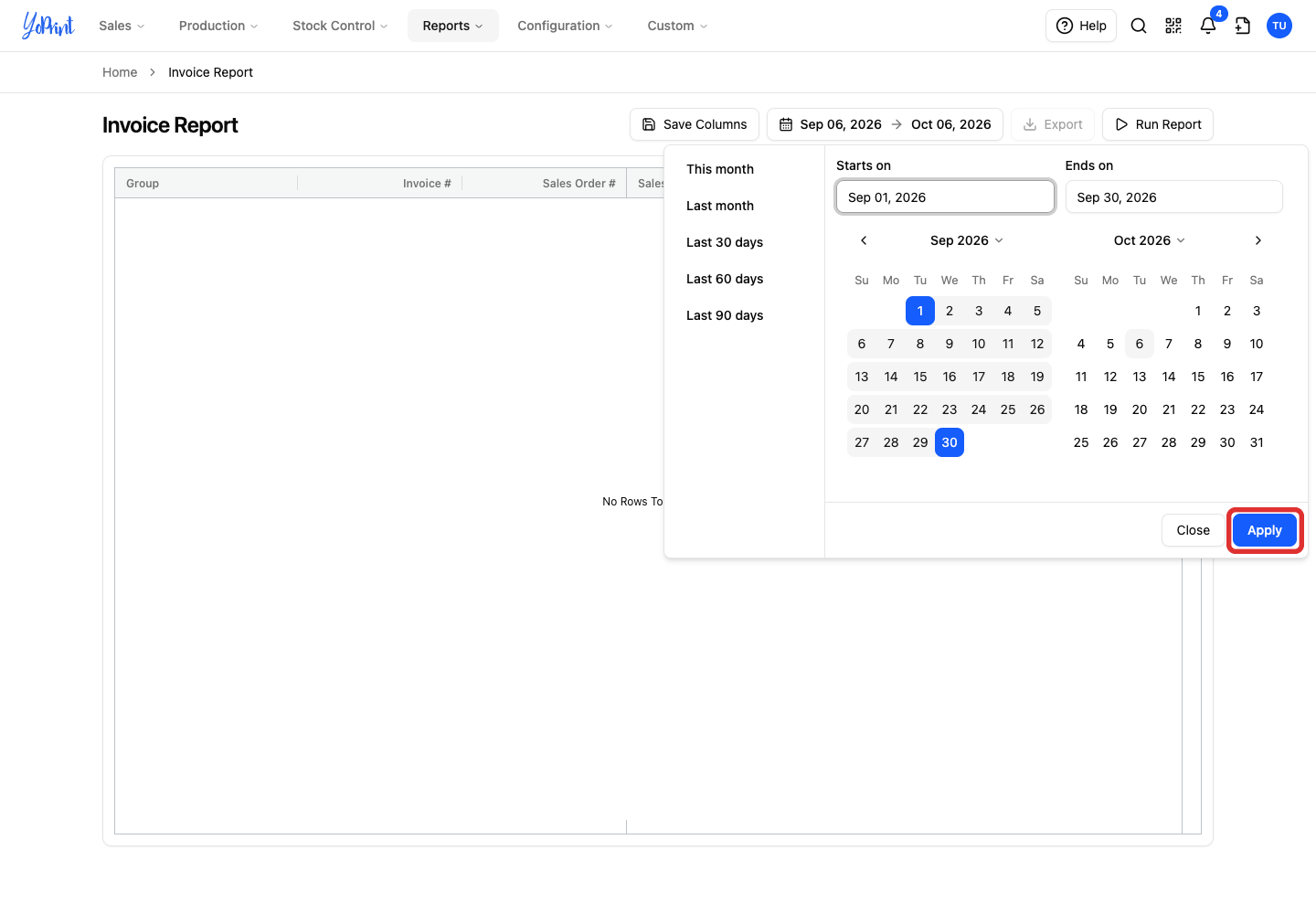
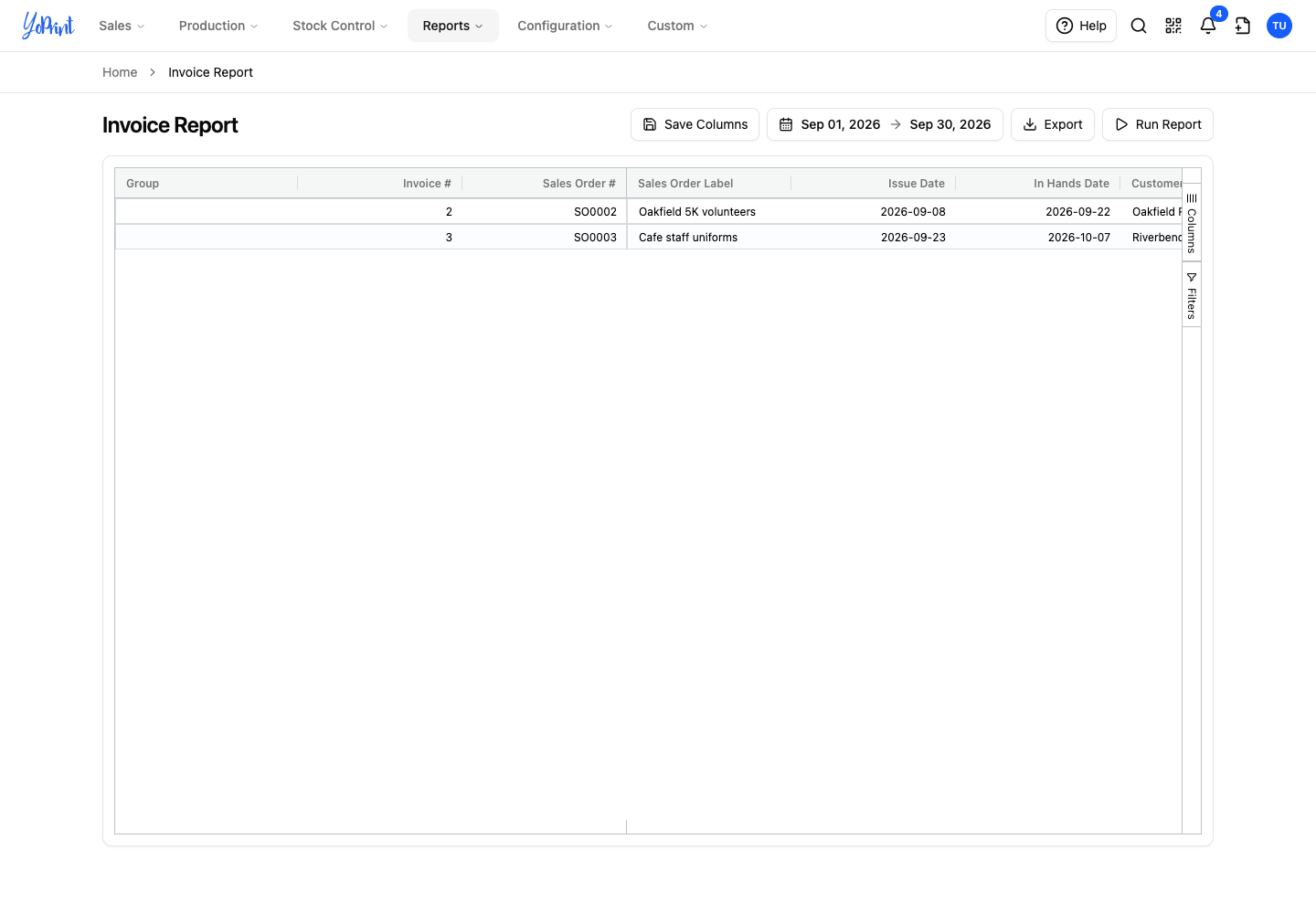
The report lists every matching invoice. Clicking Apply closes the picker and updates the table; you do not need to click Run Report unless you want to refresh the table later. This example shows invoices for sales orders issued in September.
Export the invoice report
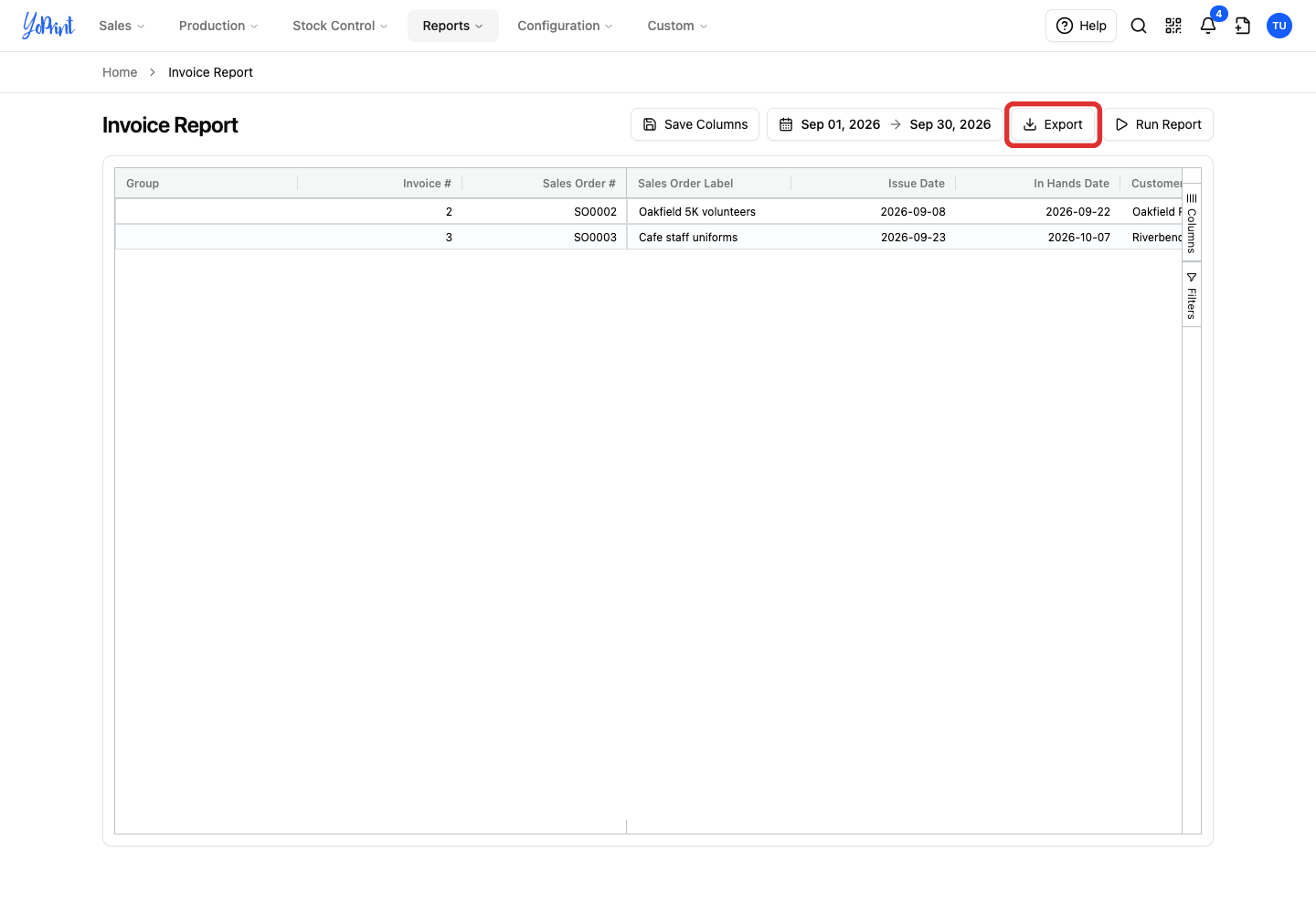
The Export button becomes available once the report displays matching invoices.
-
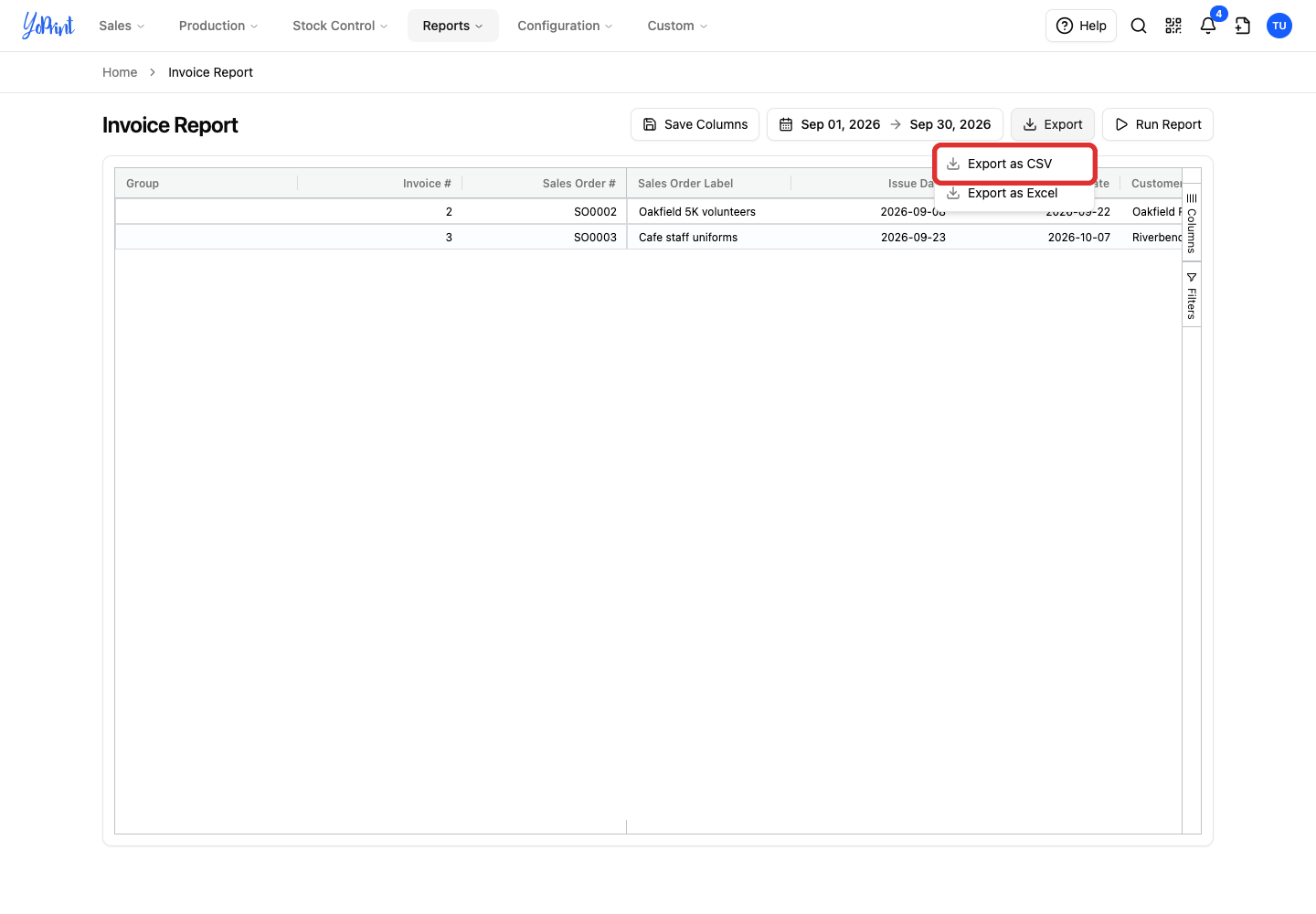
Click Export above the report.
-
Choose Export as CSV to download a CSV file.
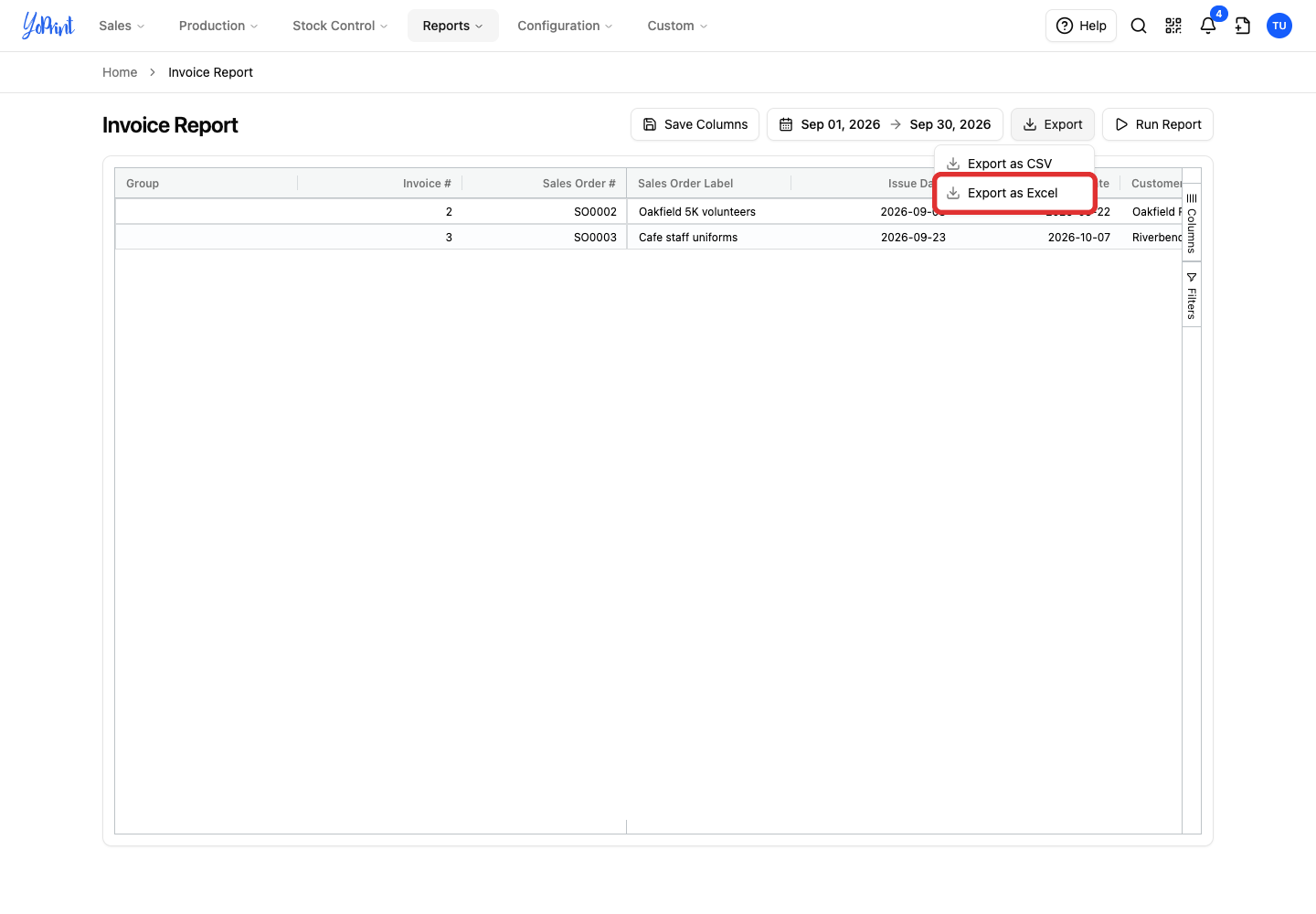
For an Excel workbook, choose Export as Excel instead.
The file downloads to your computer, ready to open in your spreadsheet app. The exported spreadsheet includes invoice numbers, customer names, issue dates, totals, and balances. To export a different period, change the date range and repeat the export.
For a large date range or heavy export that takes longer to generate, use the Download Center to prepare the file in the background.